Scratch programming
No typing. No syntax errors. Just drag, drop, and create. For Grade 1 to 4.
What is Scratch programming ?
Free Scratch coding for kids, block-based, no syntax errors.
Built by MIT
Scratch is a free visual coding tool made by MIT, the same institute behind decades of computing research.
Drag, Drop, Create
Kids snap together colourful blocks instead of typing, so there are no syntax errors to slow them down.
Twelve Real Games, Not Theory
Every project on this course is a full, playable game or story your child builds and keeps.
“Scratch teaches real programming logic without the syntax headaches. Twelve real games, one final project, all your child's own design.”
What Your Child Will Build
Every project is built live in class — not copied from a tutorial.
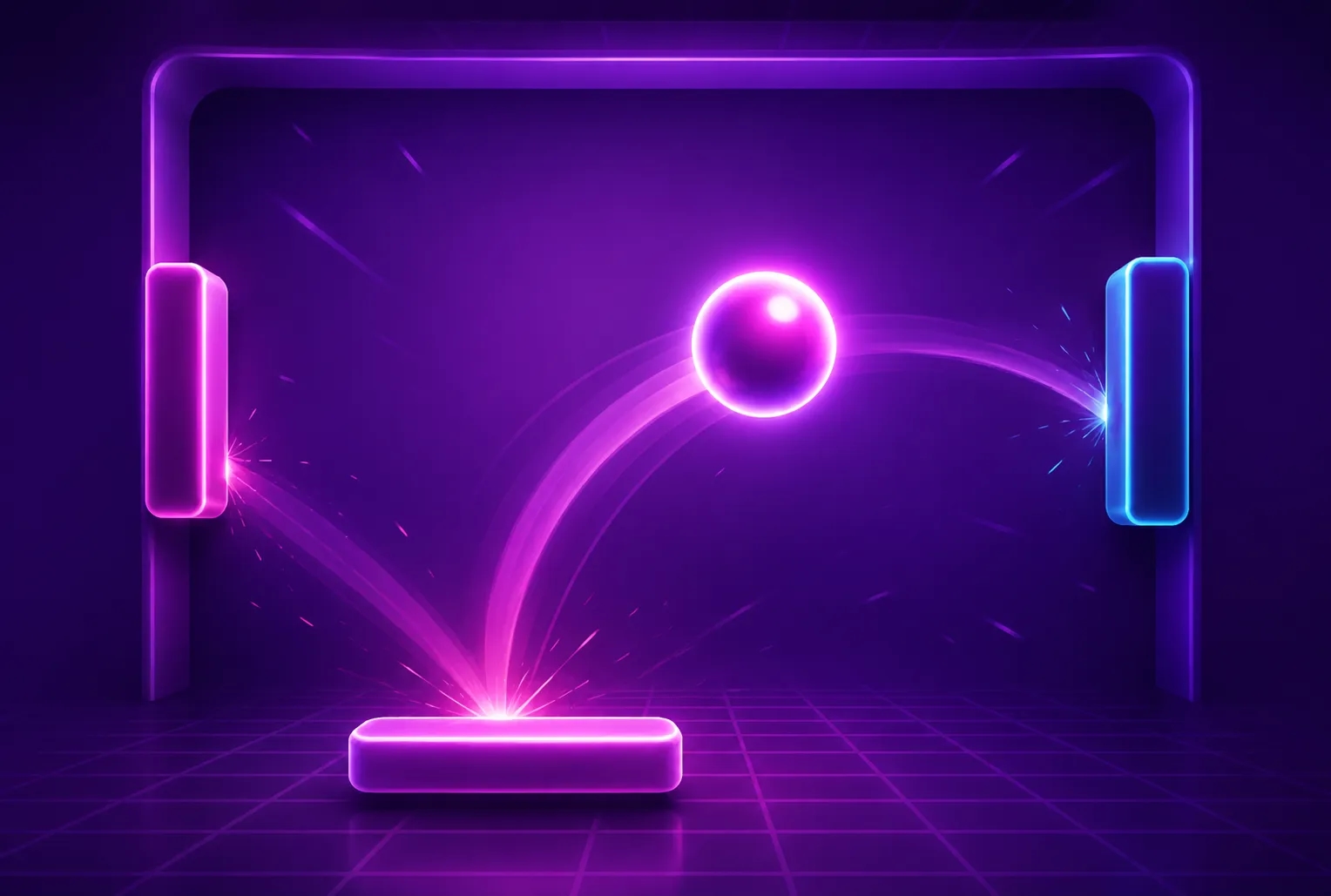
Bounce Game
A ball bounces off walls and paddles, with speed increasing as the game goes on.
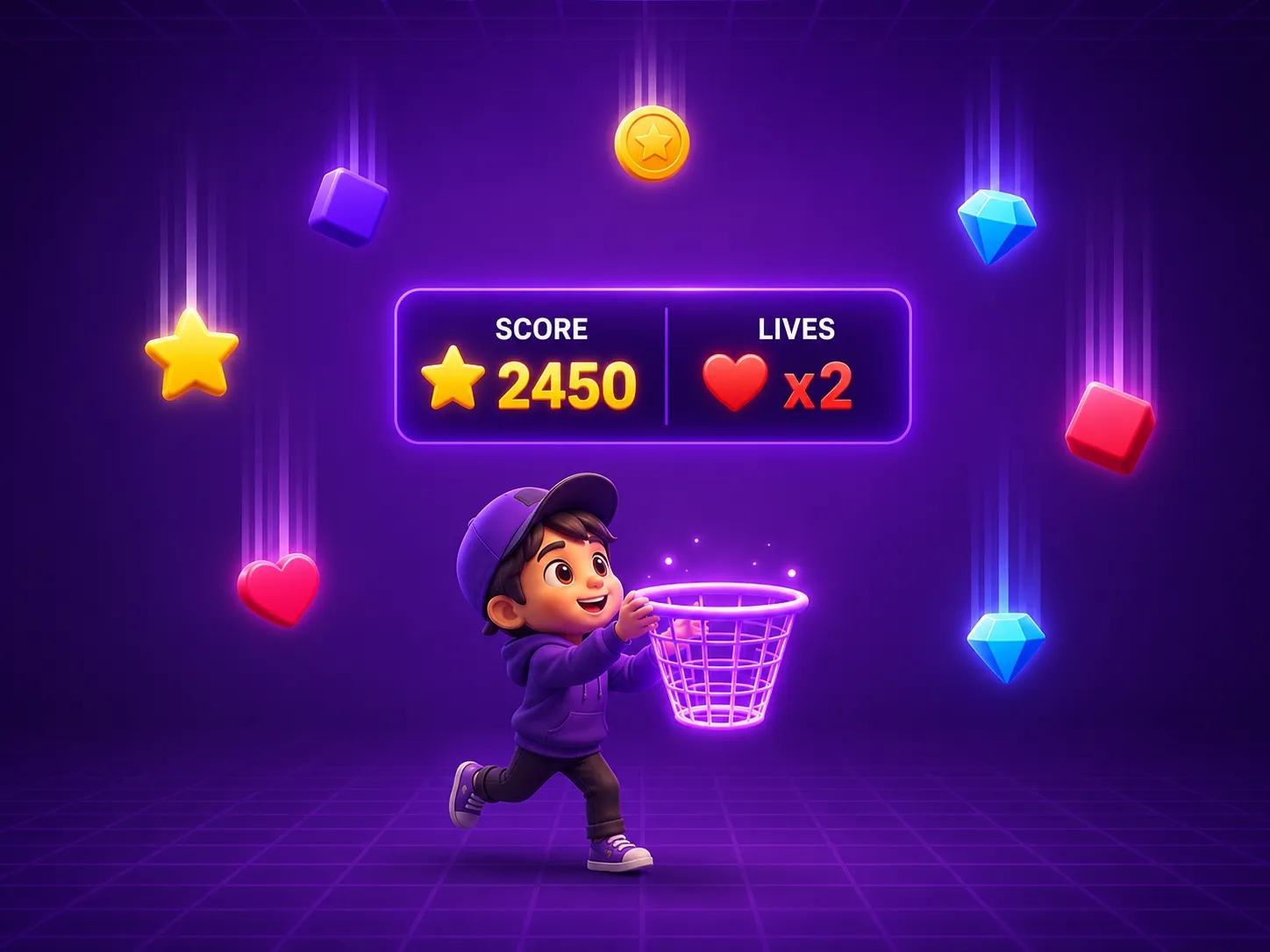
Catching Game
A character catches falling objects. Score goes up, lives go down.
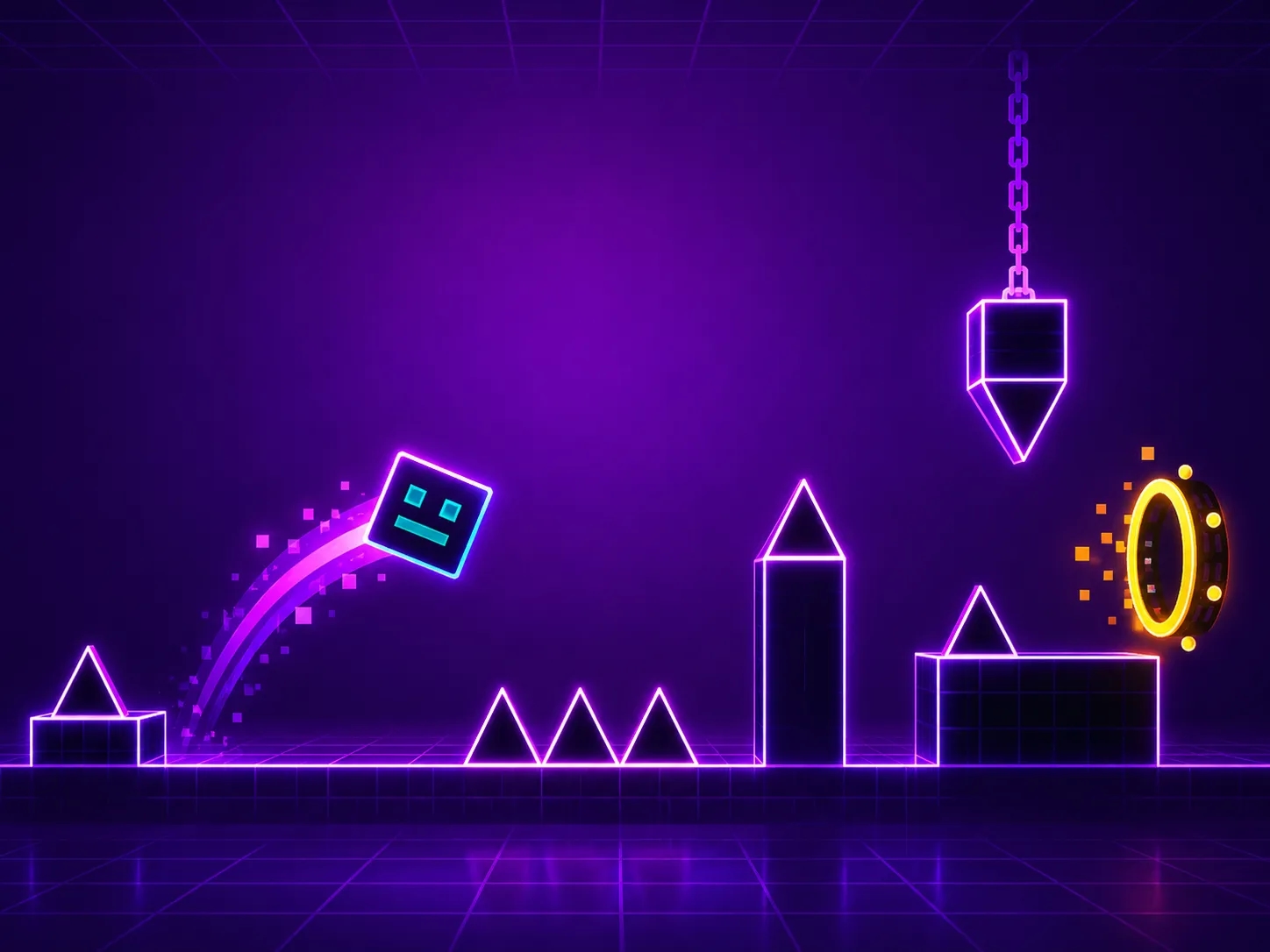
Geometry Dash
A character auto-runs and jumps over obstacles in time with the music.
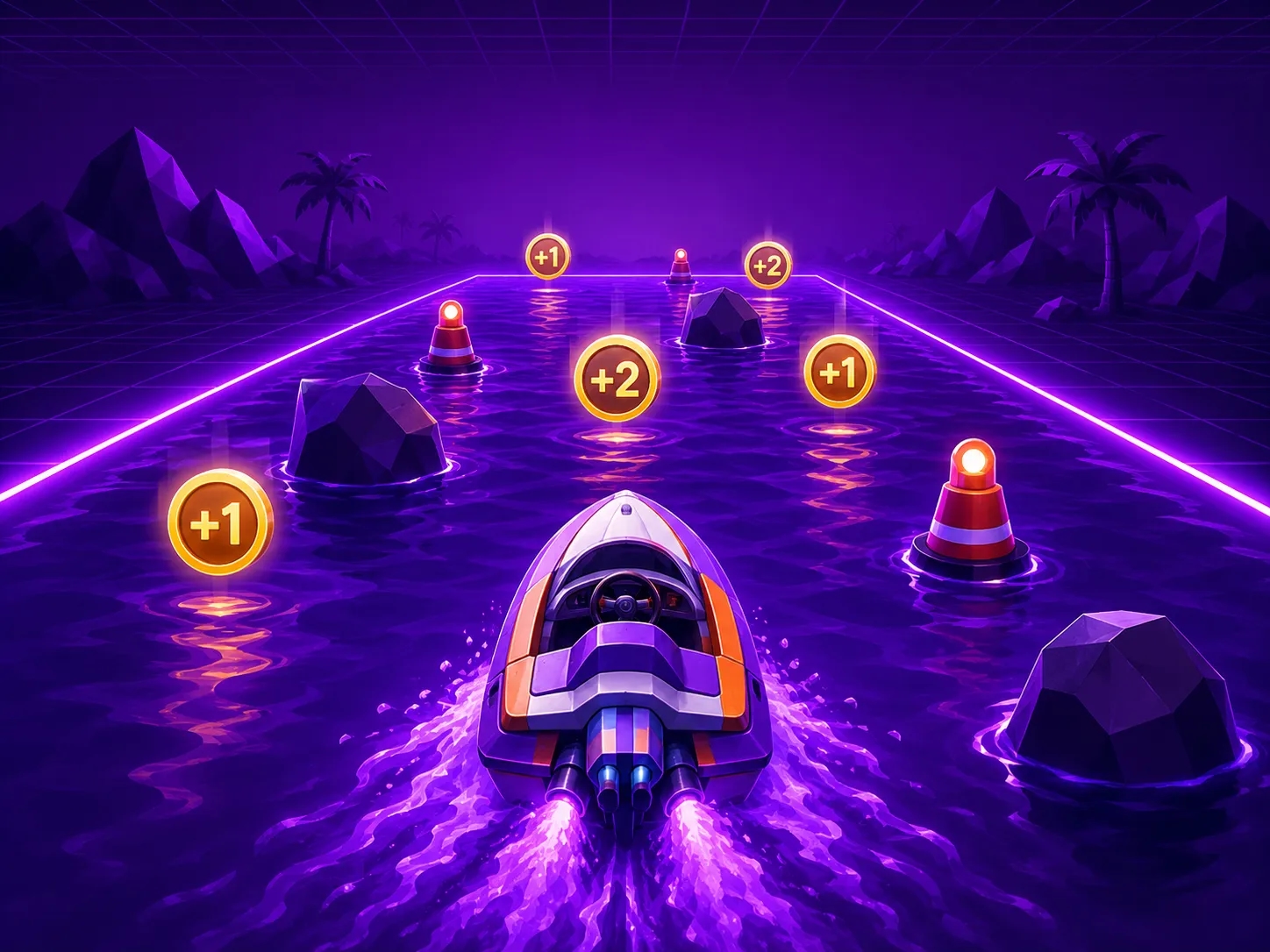
Boat Game
A boat is steered across water, dodging obstacles and collecting points.
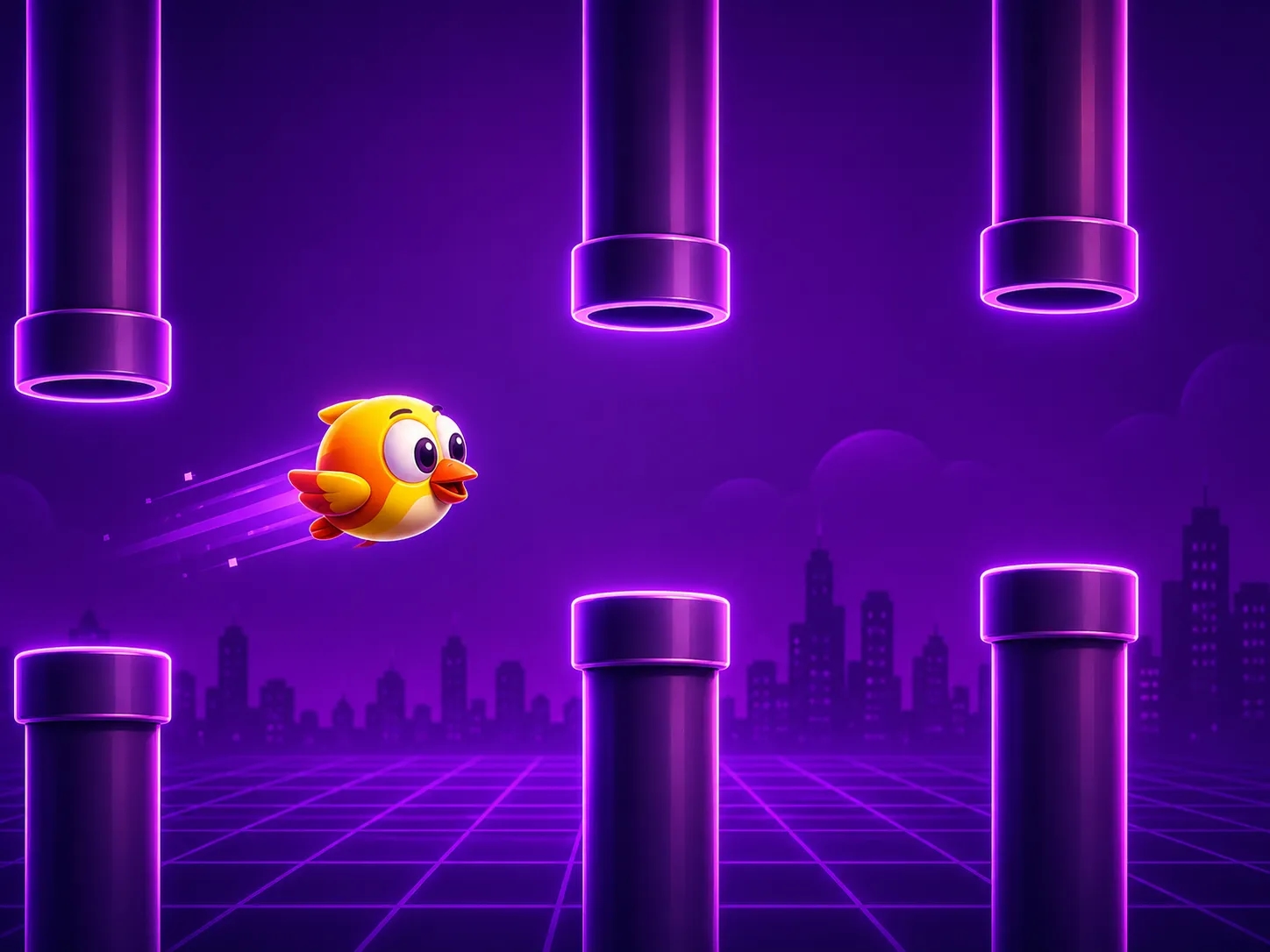
Flappy Bird Game
A character taps to fly through gaps between moving pipes.
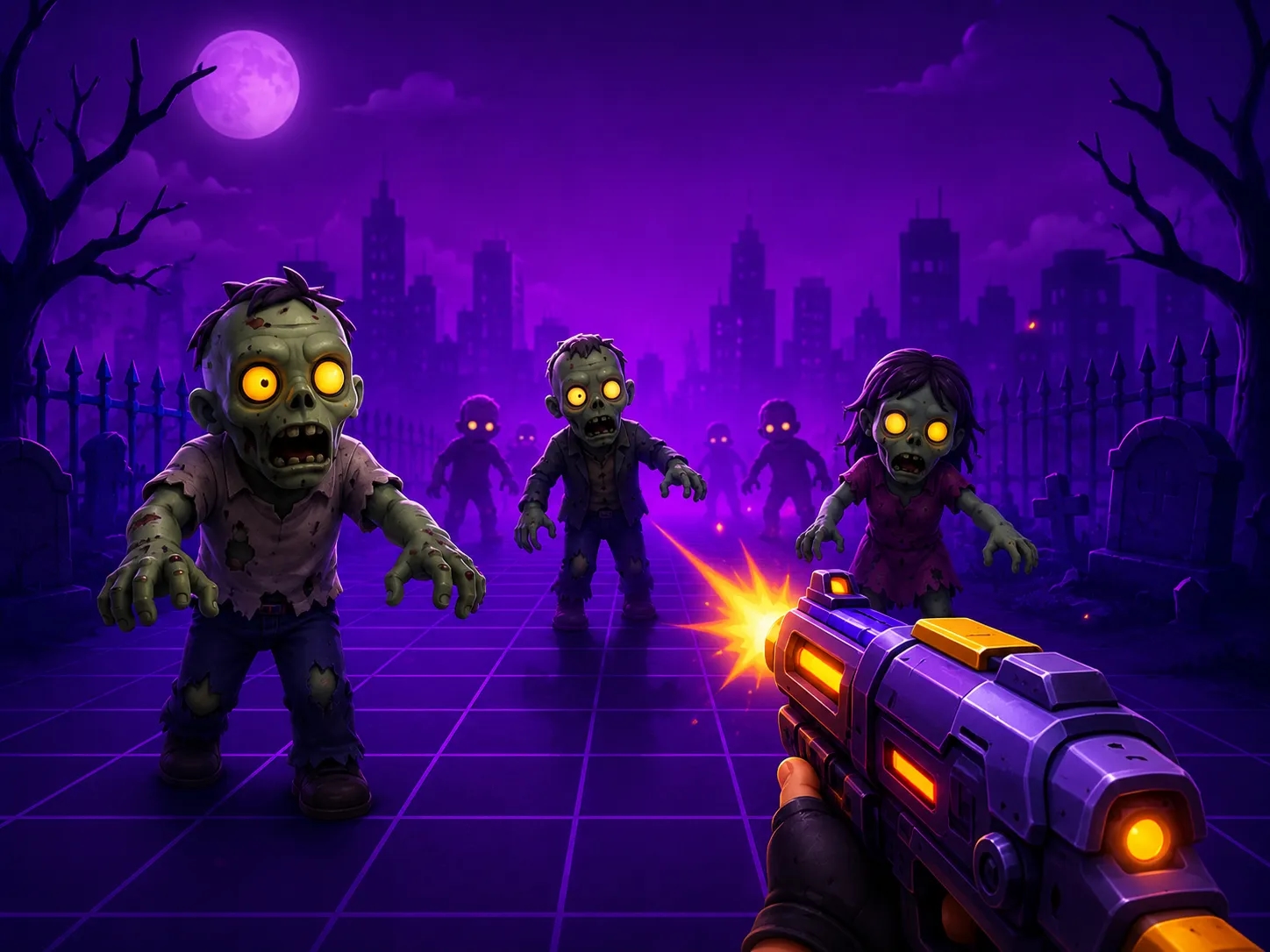
Zombie Game
Zombies approach and the player must tap, shoot, or dodge to survive.

Balloon Pop Game
Balloons rise on screen and the player pops them before they escape.
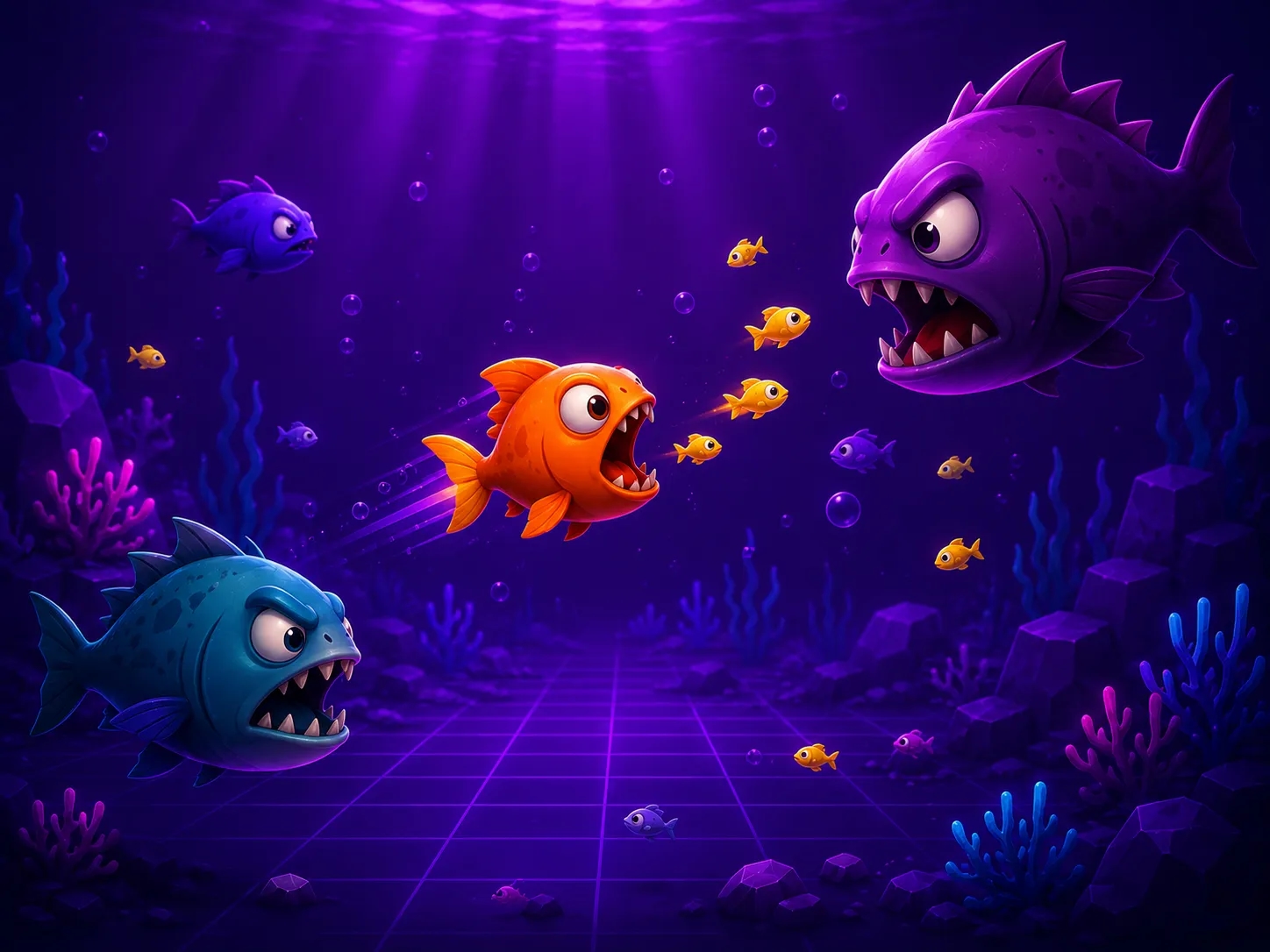
Fish Eating Game
A fish grows bigger by eating smaller fish while avoiding bigger ones.
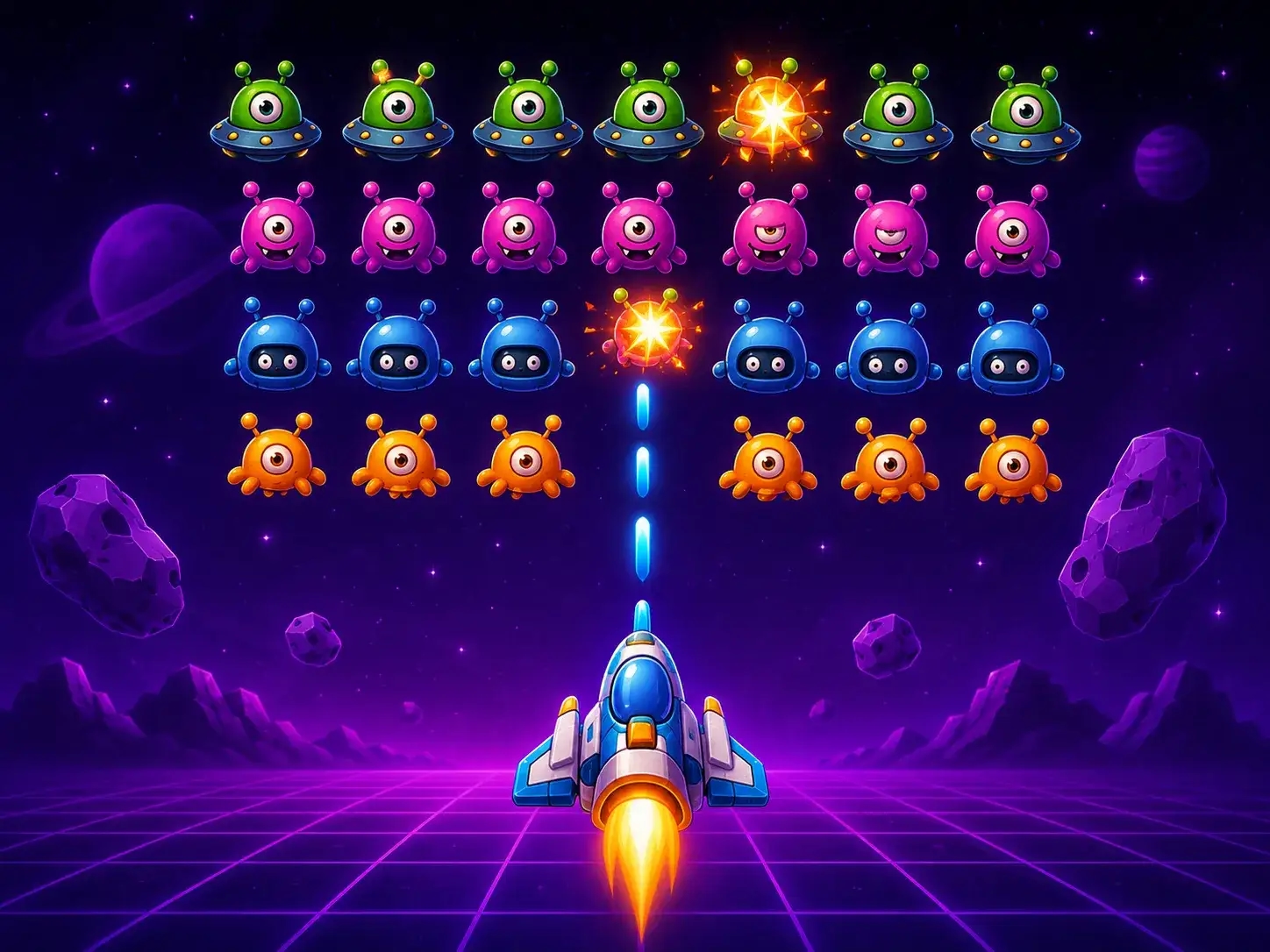
Alien Invasion Shooter
A spaceship shoots down waves of aliens before they reach the bottom.
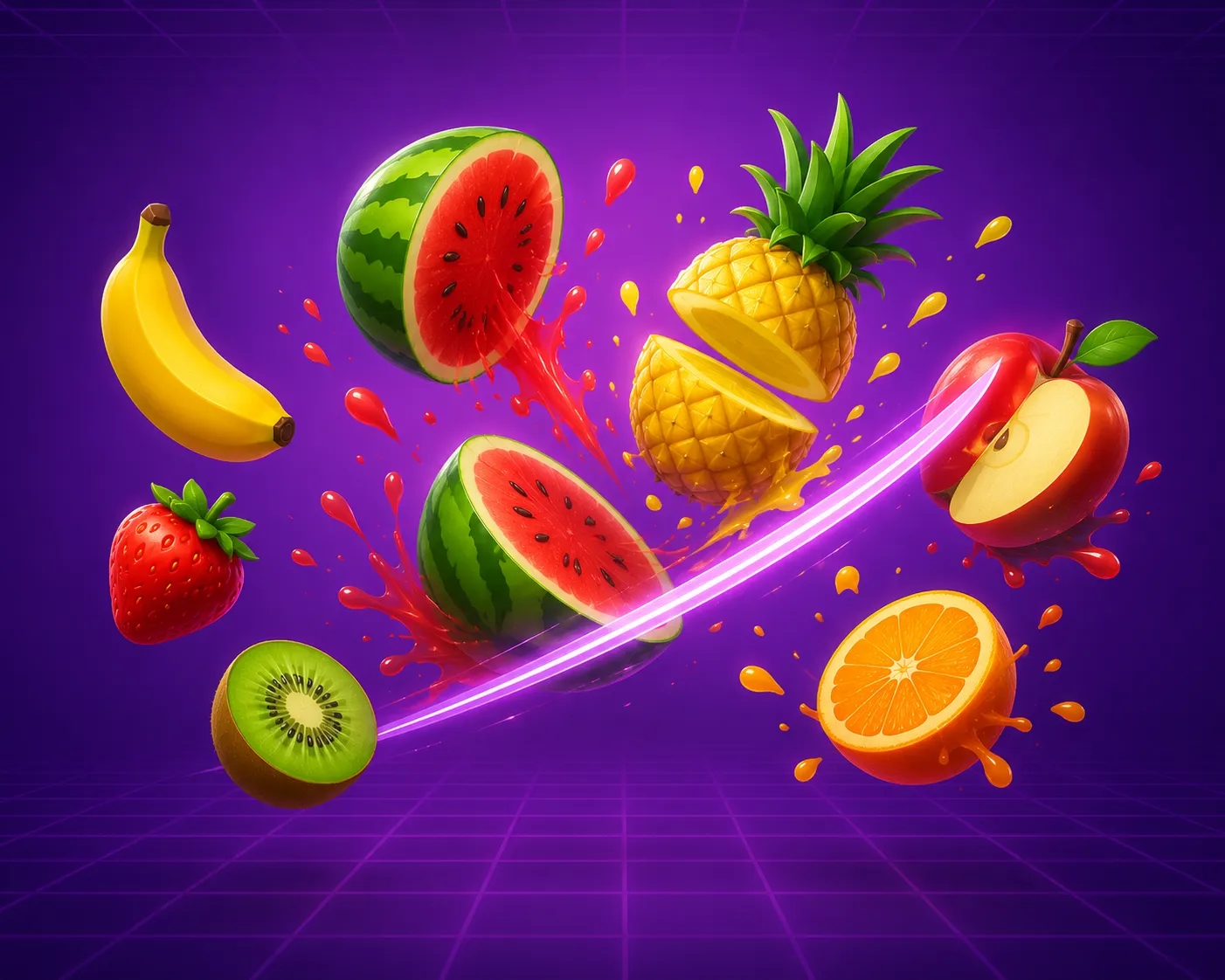
Fruit Slicing Game
Fruits are thrown into the air and sliced with mouse swipes for points.
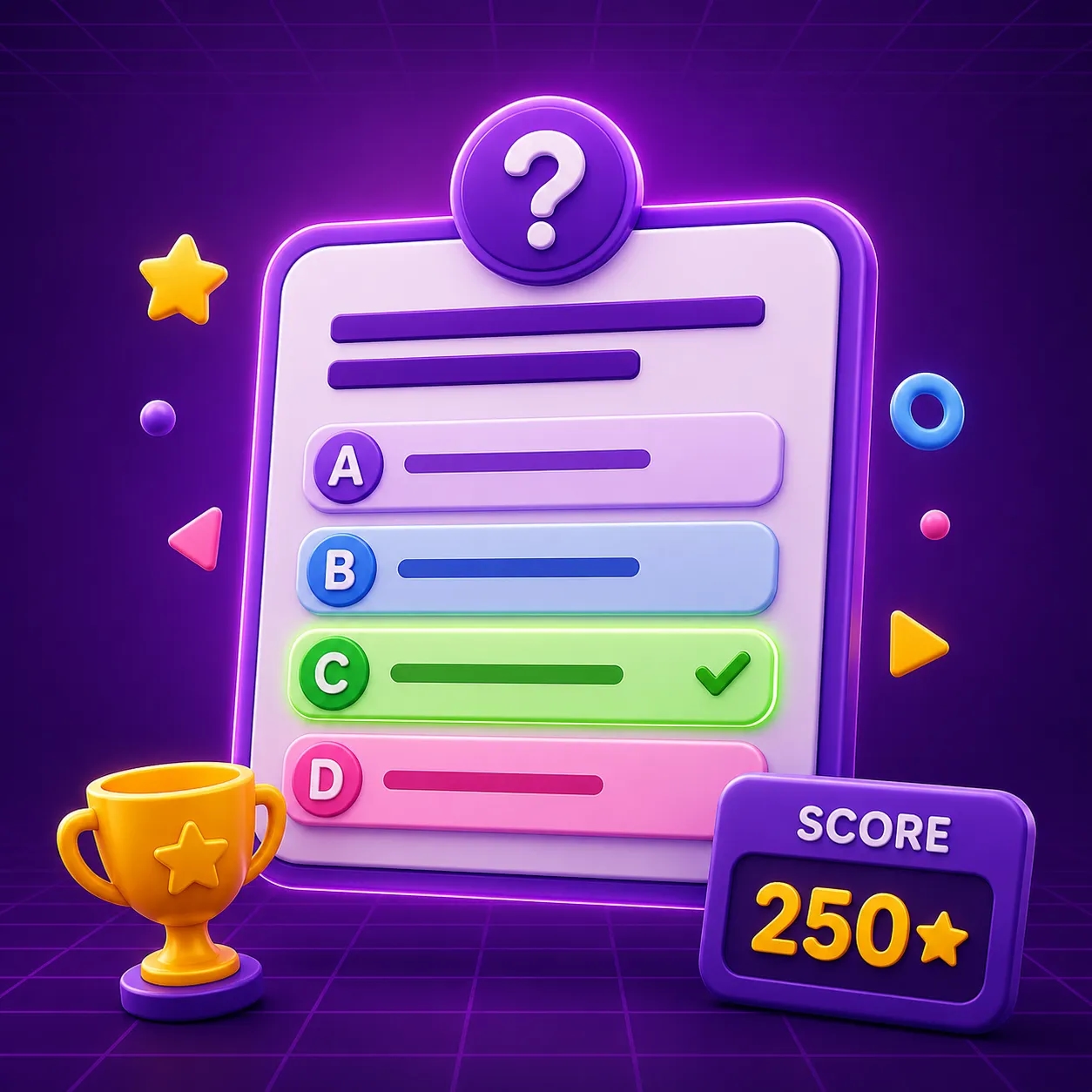
Quiz Game
A multiple choice quiz that checks the answer and keeps score.
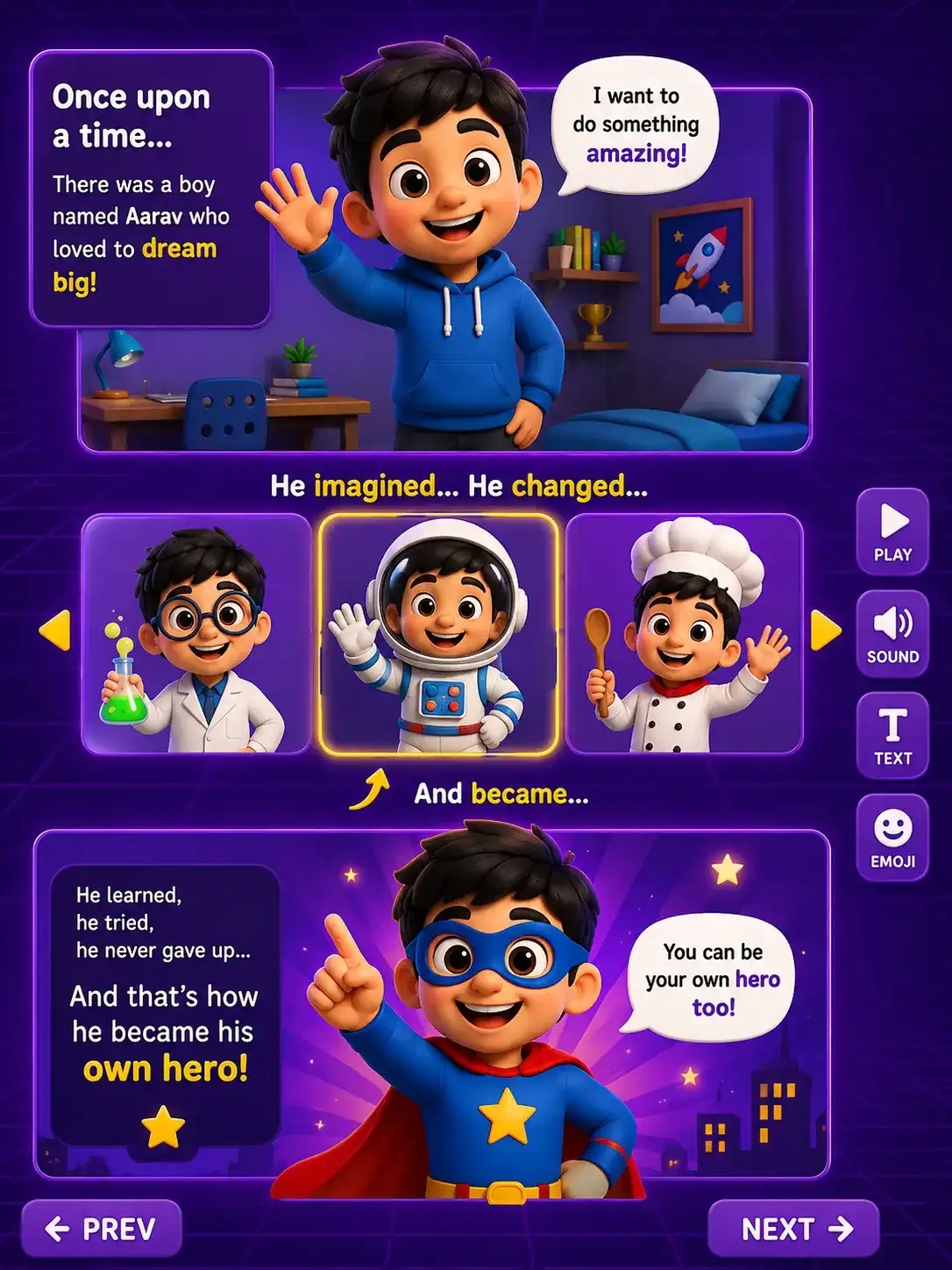
Story
A character moves, talks, and changes costumes to tell a short animated story.
Dance Party Finale
The final project: a multi scene game or animation your child designs and builds solo.
How the Course Works
A clear learning path from first concept to final project.
Motion and Looks Blocks
- Homework: make a sprite move around the stage and change costumes.
Sound and Events Blocks
- Homework: add sound effects triggered by a key press or click
Control Blocks (loops, if then, repeat)
- Homework: make a sprite repeat an action forever or until a condition is met.
Sensing and Operators Blocks
- Homework: make a sprite react when it touches an edge, colour, or another sprite.
Variables and Lists Blocks
- Homework: create a score variable that increases when something happens.
Building the Projects
- With the blocks mastered, your child builds one real project after another, applying everything from Phase 1.
Skills They Walk Away With
These are the same skills that power every app on your phone.
Logical Thinking
Turning big, messy ideas into clear, logical steps a computer can follow
Sequencing
Mastering that the order of instructions changes everything
Problem-Solving
Building, breaking, and fixing their own original projects
Creativity
Moving from scrolling and watching to designing and building
Communication
Explaining their thinking and defending their design choices
Resilience
Treating every bug as a clue, not a failure and trying again
Meet Your Instructor
Our instructors are specialists who chose to teach children.
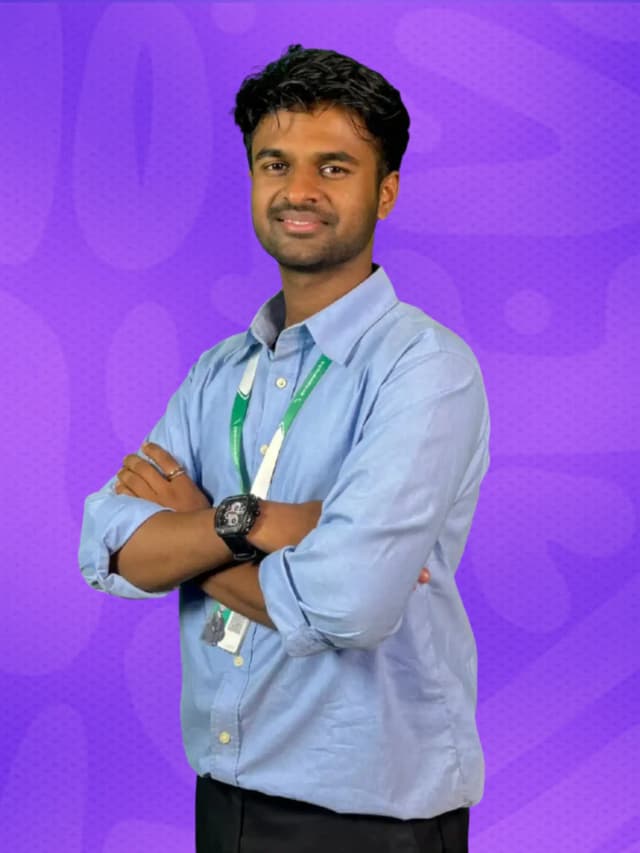
Priyanshu Gupta
Senior Instructor: Python, AI and Scratch Programming
Priyanshu Gupta is a Computer Engineering graduate specializing in Scratch Programming, Python, Artificial Intelligence, Web Development, and project-based STEM education. He has mentored hundreds of young learners through engaging coding experiences that build creativity, logical thinking, confidence, and real-world problem-solving skills. His interactive teaching approach ensures every student learns by creating meaningful projects while exploring the latest technologies.
Course Details
Everything you need to know. In one place.
Questions Parents Ask
Explore Related Courses
Students who enjoy this course often continue with these next.
 →
→Python Programming
Grade 5 to 8
Real, typed code. Real programs, games, and apps. For Grade 5 to 8.
 →
→Web Development
Grade 6 to 10
HTML, CSS, and JavaScript. Real pages, live on the internet. For Grade 6 to 10.
 →
→Artificial Intelligence
Grade 7 to 10
Live AI and machine learning classes for kids in Nepal, Grade 7-10. Train real AI models and build a chatbot, image classifier, and more.

Mascot believes:
Anyone can code. Anyone can create. Let's build the future together!
Start Your Child's Coding Journey
One free trial class. 45 minutes. No payment required. Your child builds their first project before the class ends.